GPU Reservations
What is a GPU Reservation?
On our explorer cluster, we are now offering the ability to request a reservation (Resource Reservation) for GPU resources, which can be done through our newly built GPU Reservation OOD Web App.
Once a request has been made, it can be seen by a member of the Research Computing team, where it will be either approved or denied. In the case of an acceptance, both the user that submitted the request and their PI will receive an email, whereas, if it is just a denial, only the user will be informed accordingly.
Warning
Intentionally repeating reservation requests after denial or similar other inappropriate actions will be monitored and logged.
We hope that by providing a method to request these resources in advance that users will be less restricted by the scheduler, particularly if there is a known deadline by which compute needs to be done.
What Nodes and GPUs are available?
In our trial period, we currently offer 1 node with a 8 H200s available, but we may expand this in the future.
Note
The IdleBot will not be cancelling any jobs that are running on this reserved node, but it can still log job usage and create relevant gpu efficiency graphs for the job.
How to make the Reservation request?
To make a gpu request, launch the GPU Booking OOD app. When you run the app, you will be presented with a web-page with a calendar of tentative or confirmed reservation requests, as seen below.
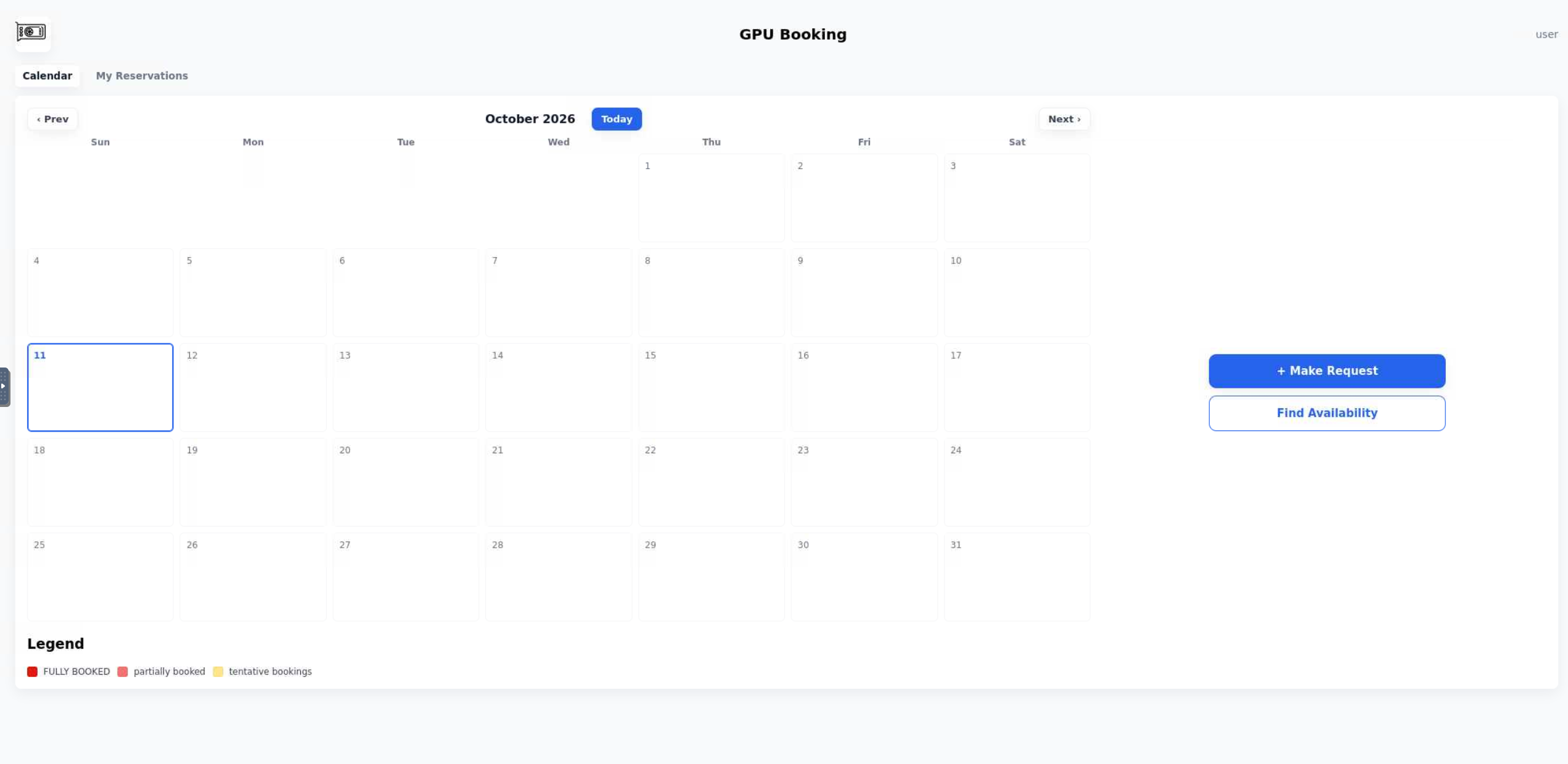
The GPU Reservations Landing Page (with no requests made)
From here, you can either click on the “Make a Request” button, which will present a form where you can supply the relevant values for the reservation (start date, end date, and PI) before submission. You can also click on the “Find Availability” button, which will present a form that upon submission, given time or resource constraints, will inform you of currently free times that you can request that satisfy the constraints.
All of one’s requested (tenative) and approved bookings can be found in the “My Reservations” tab, accessible through the landing page.
After the approval of a reservation, further instructions will be sent via email to inform you of how to access it when the time comes.